Version comparison
Certain features and functionalities are shared by all versions of the program. Listed below are the key capabilities of each of them.
With 10_Q, one can ...
- create, save, and edit tests and slide shows;
- conduct test sessions;
- run slide shows and access exercises from related tests.
10_Q LITE enables you to ...
- conduct test sessions;
- run slide shows and access exercises from related tests.
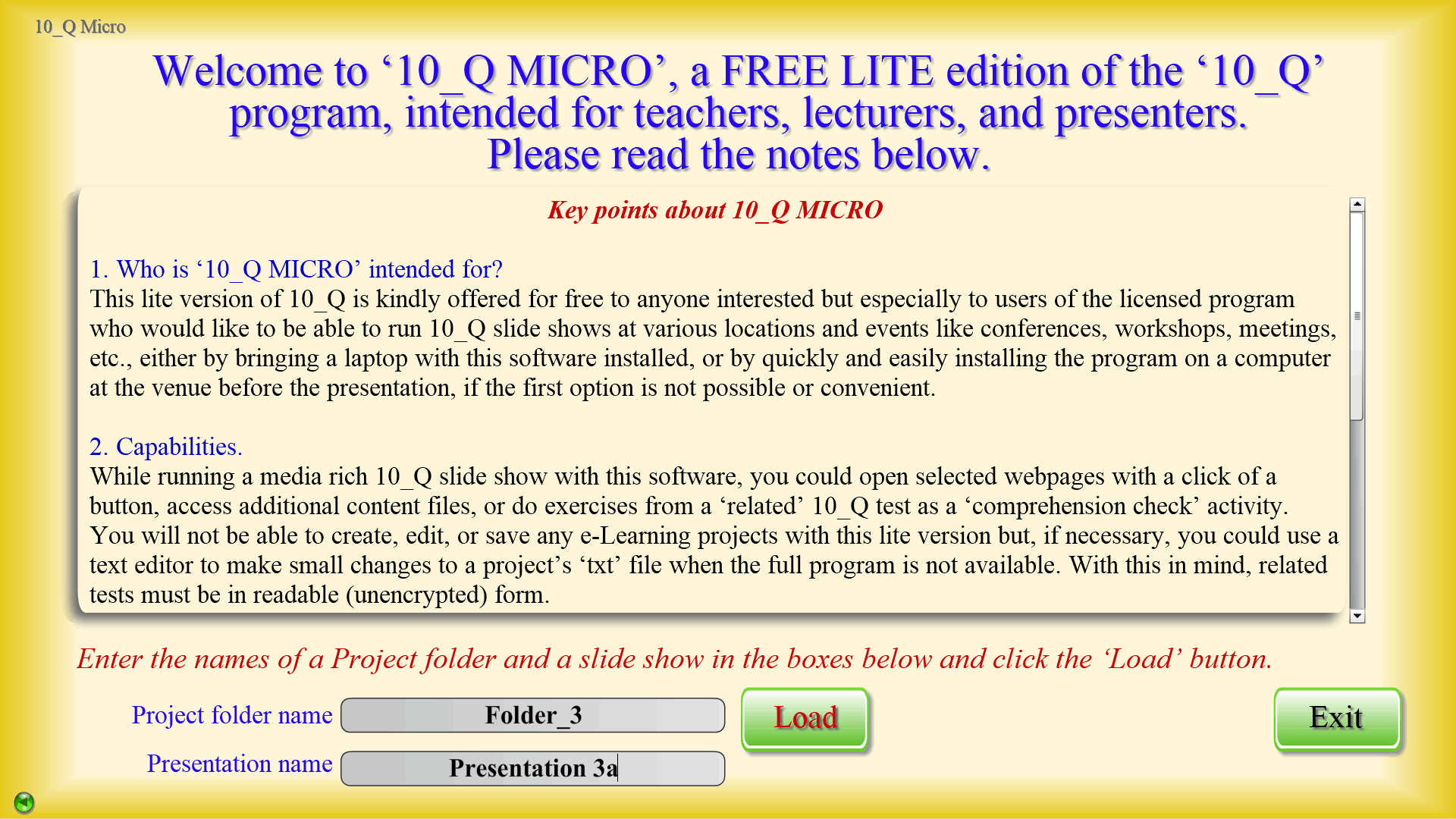
10_Q Micro can be used to ...
- run slide shows and access exercises from related tests.
As the above characteristics of the program versions suggest, the full, or licensed, edition is intended for teachers and lecturers who will be developing and conducting tests, and/or creating and running slide shows. A license will need to be purchased for the activation of this software.
10_Q LITE will enable students to use 10_Q format materials provided by their teachers for self-study and remote testing. This version is also offered for free to schools to install on machines in classrooms and computer labs – for testing, blended learning, etc.
The version with most limited functionality, 10_Q Micro, is still perfectly capable to play media-rich 10_Q slide shows and check the comprehension with exercises from related tests. It is also the smallest in size, so as to allow lecturers and presenters to easily install it on computers at host institutions when attending events like seminars, conferences, etc.
Please note that 10_Q LITE works with encrypted test materials. You will find explanations about file encrypting and decrypting, related tests, activation licenses, etc., on this site, in the downloadable tutorials, and in the program’s help sections.