Presenting with accuracy, flexibility, and style
Some of the innovative slide show features of ‘10_Q’ are outlined below.
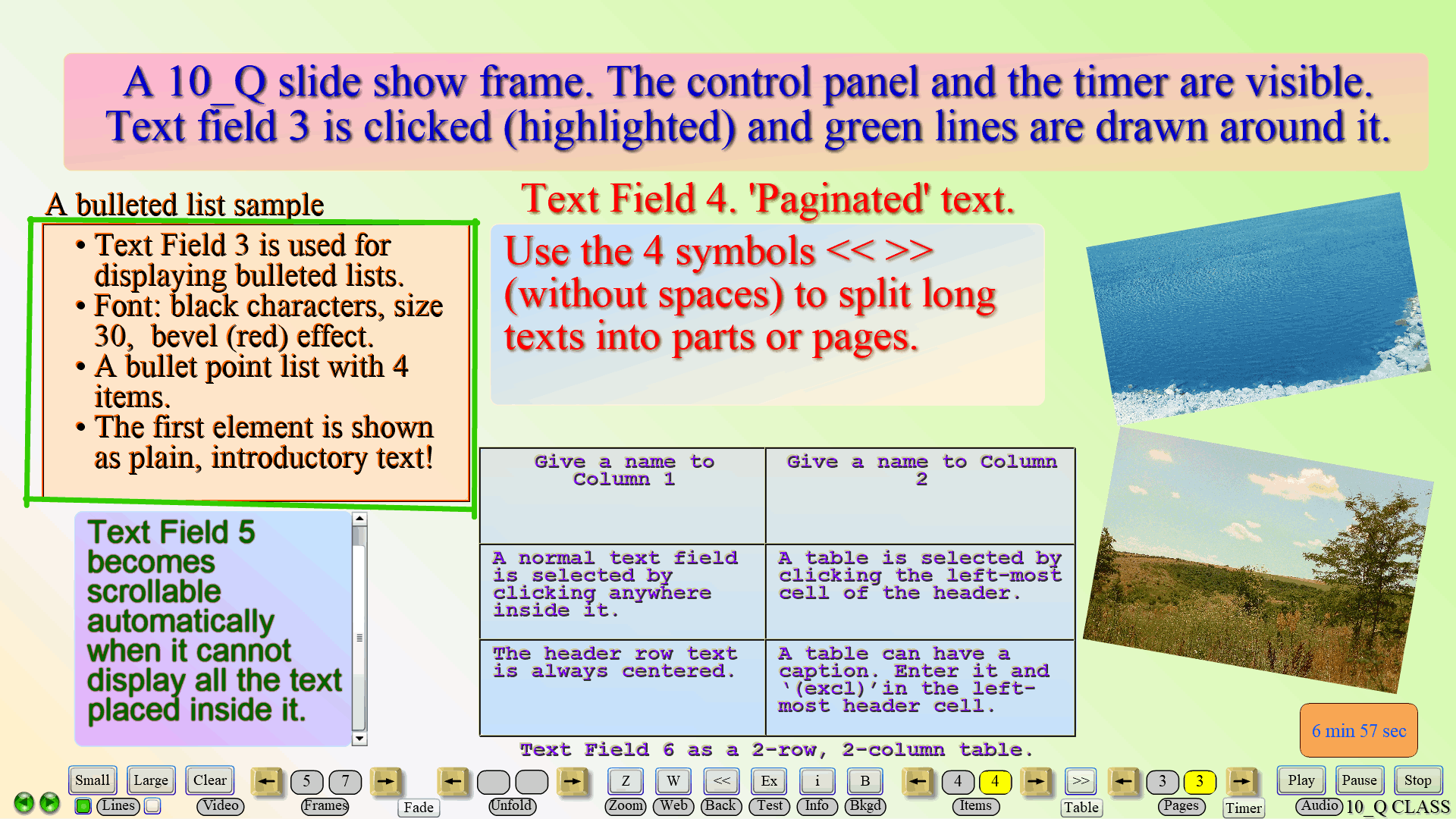
‘10_Q’ slide show presentations consist of composite frames. Each frame may have an individual background image and a transition effect assigned to it, and will support up to 6 text fields and 4 pictures, as well as links to an audio and a video clip, a ‘10_Q’ test exercise, a website, and content files.
The term ‘composite’, used to describe the presentation frames, implies that their content could be revealed in stages. With the optional ‘unfold’ feature, the text fields and images of a frame will be shown in steps (5 maximum). Besides, with a simple change in the settings, bulleted list items will appear one at a time, and parts of a long text will be displayed consecutively in a text field – the so called ‘paginated text’ feature. Likewise, table data can be presented ‘row by row’. All of the above operations are performed with a single button click or key press. Or, you could employ the Automatic slide show feature and most navigation will be done by the program itself.
You could easily edit the content of text fields, or change the font parameters – type, size, style, and color; you can also apply text alignment and add a 3D effect. The program allows you to edit your pictures, too, by adjusting their size, tilt, and transparency. One object – a text field or an image, can be ‘animated’ at each step of the Unfold cycle.
2 presentations will be ‘seamlessly merged’ into 1 large unit, containing a maximum of 40 frames, by giving the second file, or continuation, the same name and adding ‘(cont)’ to it.
Please see the Tutorials for more information on setting the frame background, text field functionality, the ‘zoom-in’ and Unfold features, the built-in audio and video players, integration with tests, accessing websites, the slide show control and navigation panel, transition and object animation effects, text field fill-in colors, line drawing and timer features during a slide show, the Automatic slide show functionality, etc.