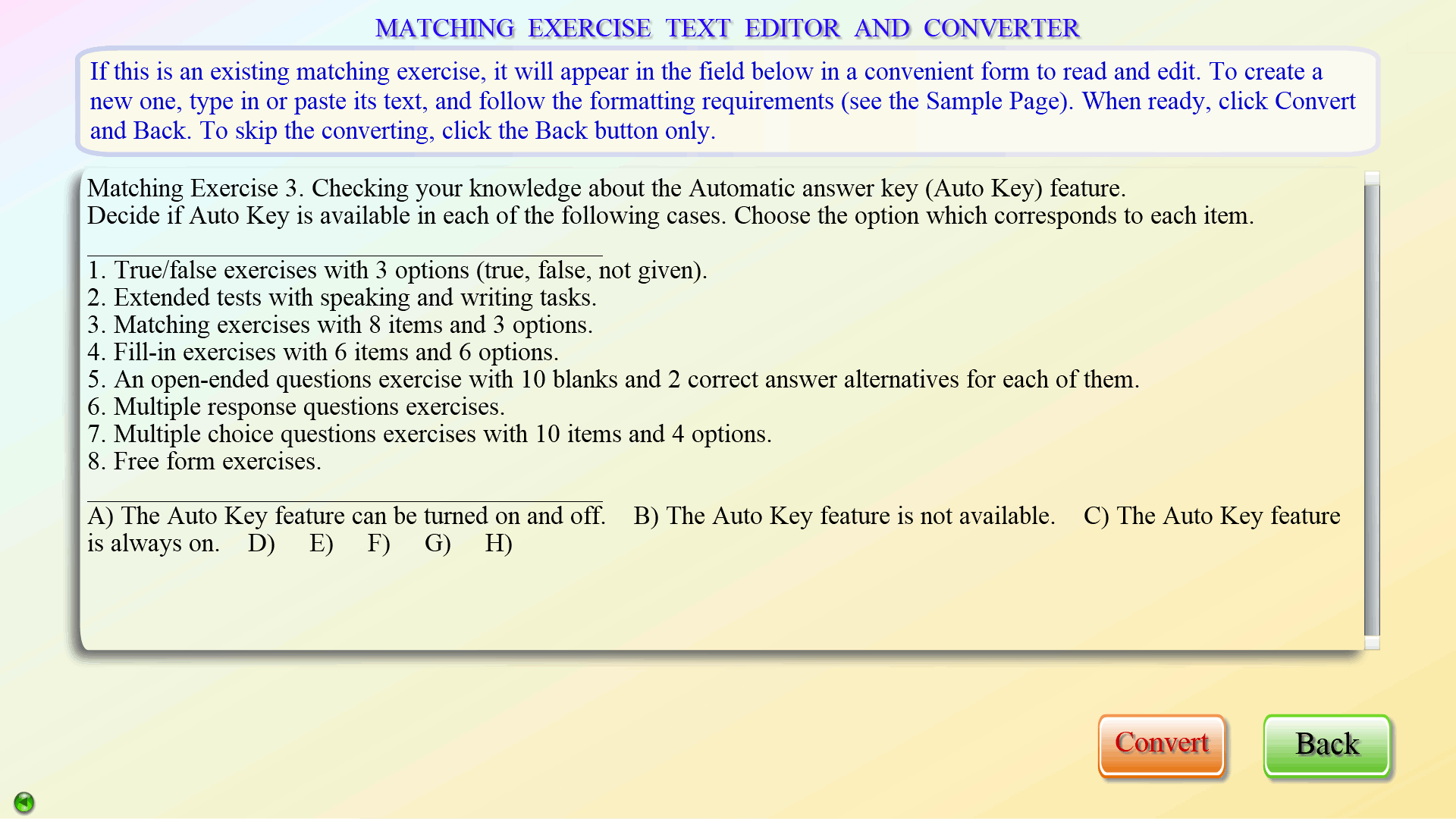
Various ways of entering content
The data input methods are flexible and user-friendly. Some details are presented below.
Content can be entered in a number of ways. In the test section, the easiest one is by pasting an entire exercise in a ‘text editor window’. The computer will do the job of converting a ‘textbook-type exercise’ into an ‘interactive challenge’ for your students as long as certain formatting requirements are observed.
Another way of inputting questions, options and correct answers is through exercise-specific interactive templates, and yet another is by working directly on the ‘.txt’ file of a test, especially for small, quick edits.
For most exercise types, an innovative method of entering the correct answer, or key, is used in the ‘10_Q’ test section to significantly reduce the development time. Please look for details in the Tutorials.
As for presentations, you first create a frame layout design by placing text fields and pictures on a grid – a scaled-down presentation screen, using ‘drag and drop’ and other simple techniques. At this initial stage, you also assign special functionality and fill-in colors to text fields, define table properties, and edit the images. Then you enter text and format it to your liking. Finally, you may set some optional properties on the ‘Extras’ page, such as a frame background, an ‘unfold’ sequence, links to audio, video, exercises, etc.