Design flexibility and user choices
When designing a presentation, the developer has complete freedom in formatting text fields, editing images, arranging the objects, and choosing frame backgrounds, transition and animation effects. There are one or two exceptions only. The ‘small-screen’ video player has a fixed position – it covers the top left part of the frame. The ‘reserved place’ for the control and navigation panel is at the bottom but you can make it ‘appear’ and ‘disappear’. Pre-assigned frame backgrounds may also be hidden with a click of a button during a slide show.
In the test section, your design options are limited but this helps to speed up the development process. There are, however, several choices for the users with regard to the font type and font size. Also, you can change the screen ‘decor’ with a mouse click, i.e. you can choose from 15 customizable backgrounds – color patterns and images. The appearance of some text boxes can also be modified to match the overall color scheme.
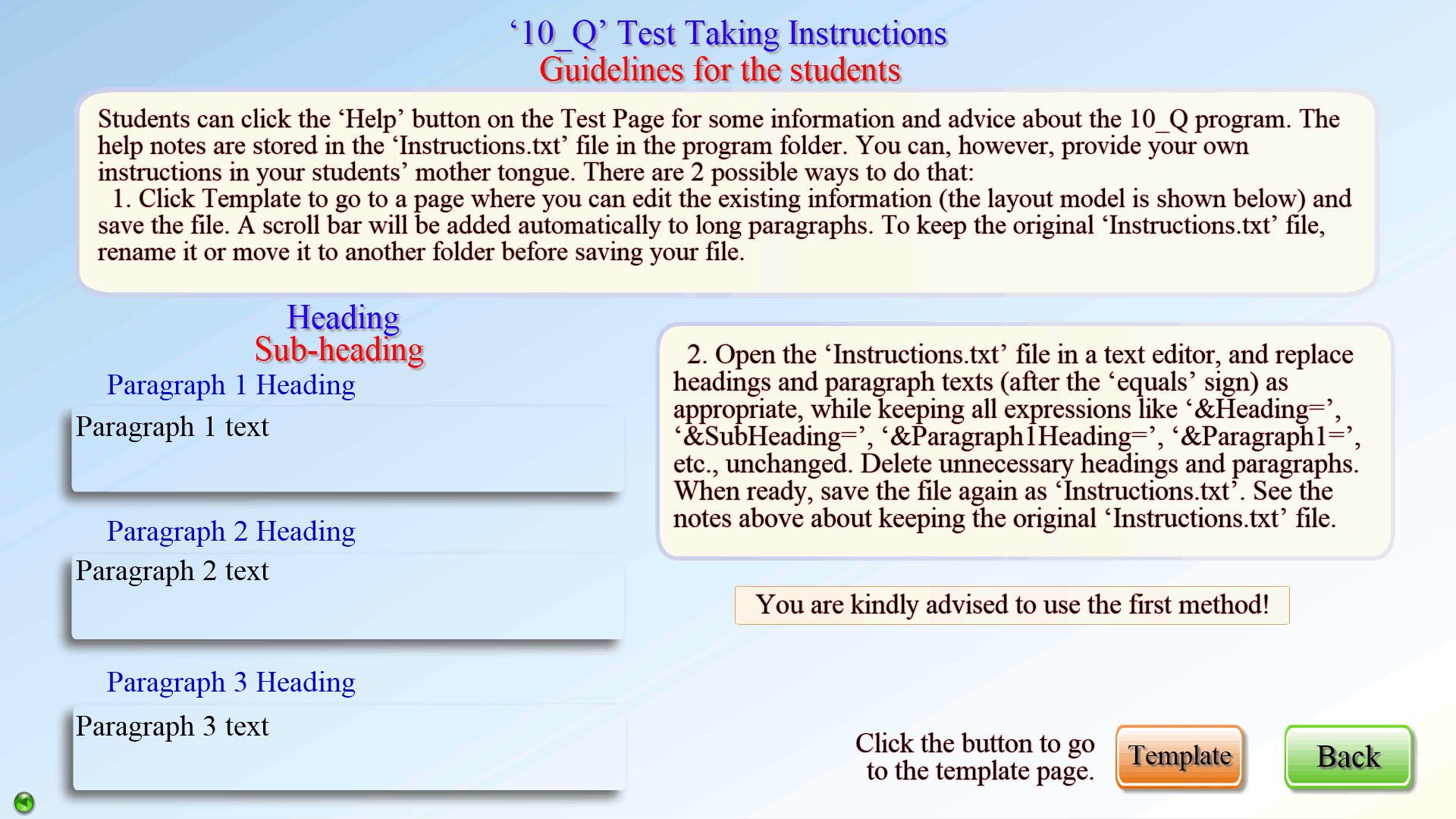
The Help page for test takers is customizable, too. The teacher can provide information different from that in the original Help.txt file, and in a different language. In fact, the interface language of the whole exam section can be changed with a click of a button if the phrases and sentences in the ‘Glossary.txt’ file have been translated.
The original and aesthetic appearance of the ‘.pdf’ documents and images shown inside the Free form test window, the pictures and videos for the Illustrated exercises, and the optional content files will add value to your project and enhance the experience.