Acquiring your copy of the program
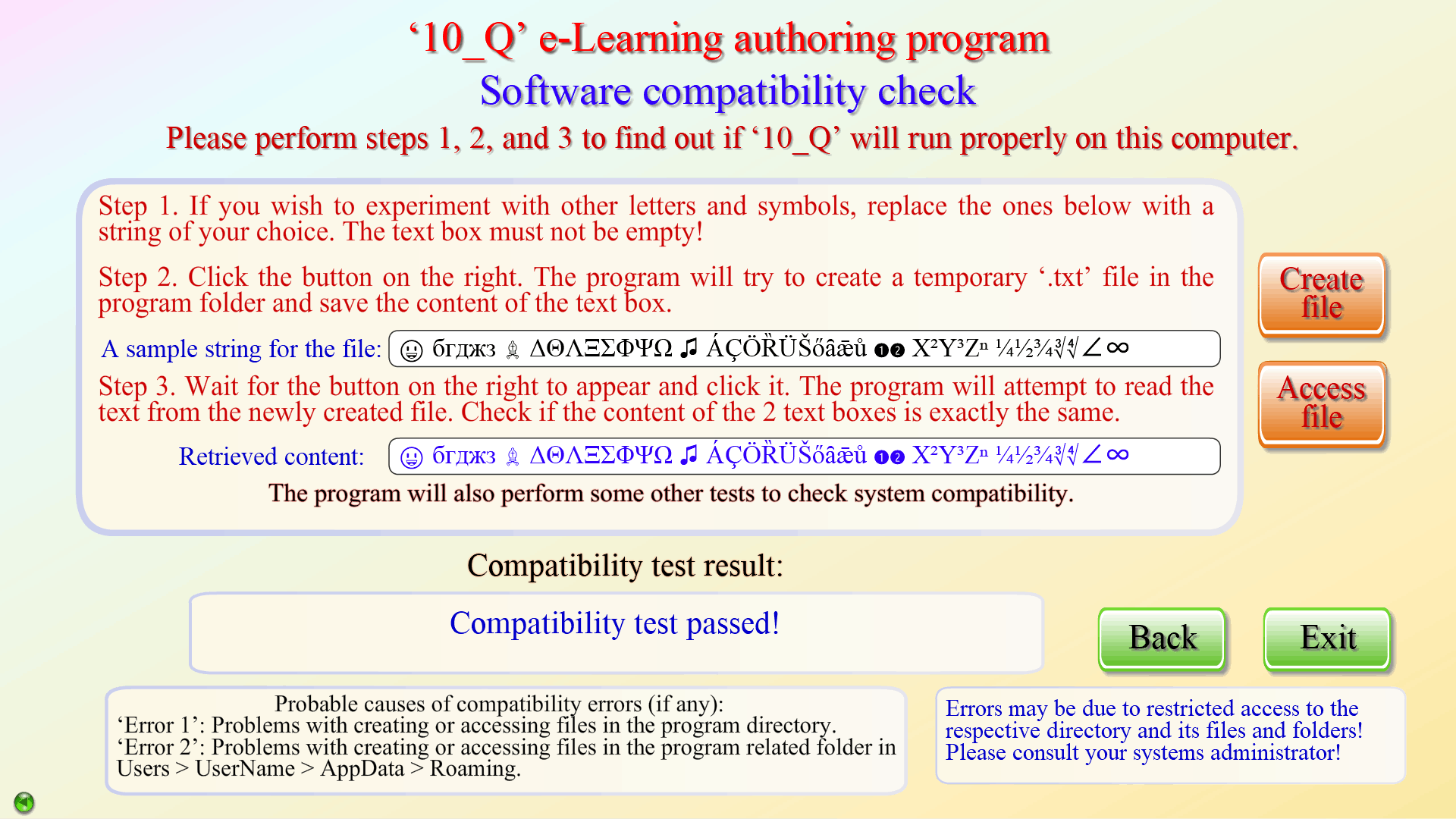
The normal ordering procedure is as follows. First, download, unzip, and install the program following the instructions in the ‘readme.txt’ file. (See the Requirements section regarding the Adobe AIR runtime). This will give you access to a few features only, including a system compatibility test which you are kindly advised to perform.
If you have decided to proceed with a license purchase for one or more computers, take a moment to look at the Method of payment page in this section. Now, do the following: start the activation process by clicking the ‘Login’ button on the Welcome page; this will take you to the Initial Activation page. Click the ‘Get code’ button, WRITE DOWN THE CODE which will appear in the text field next to the button, click the Confirm button, and exit the program. You will need to send an email (see ‘Contacts’) and give the code (or codes, if installing the program on more than 1 computer) obtained in the activation process. The details of your order will be confirmed by email and you will make the money transfer. After a notification of your payment is received, you will be emailed the password(s) needed to activate the program.
Payments are non-refundable!