License transfer and password renewals
The password that you obtain after paying for an activation license will be valid for an indefinitely long time and keep the program functional.
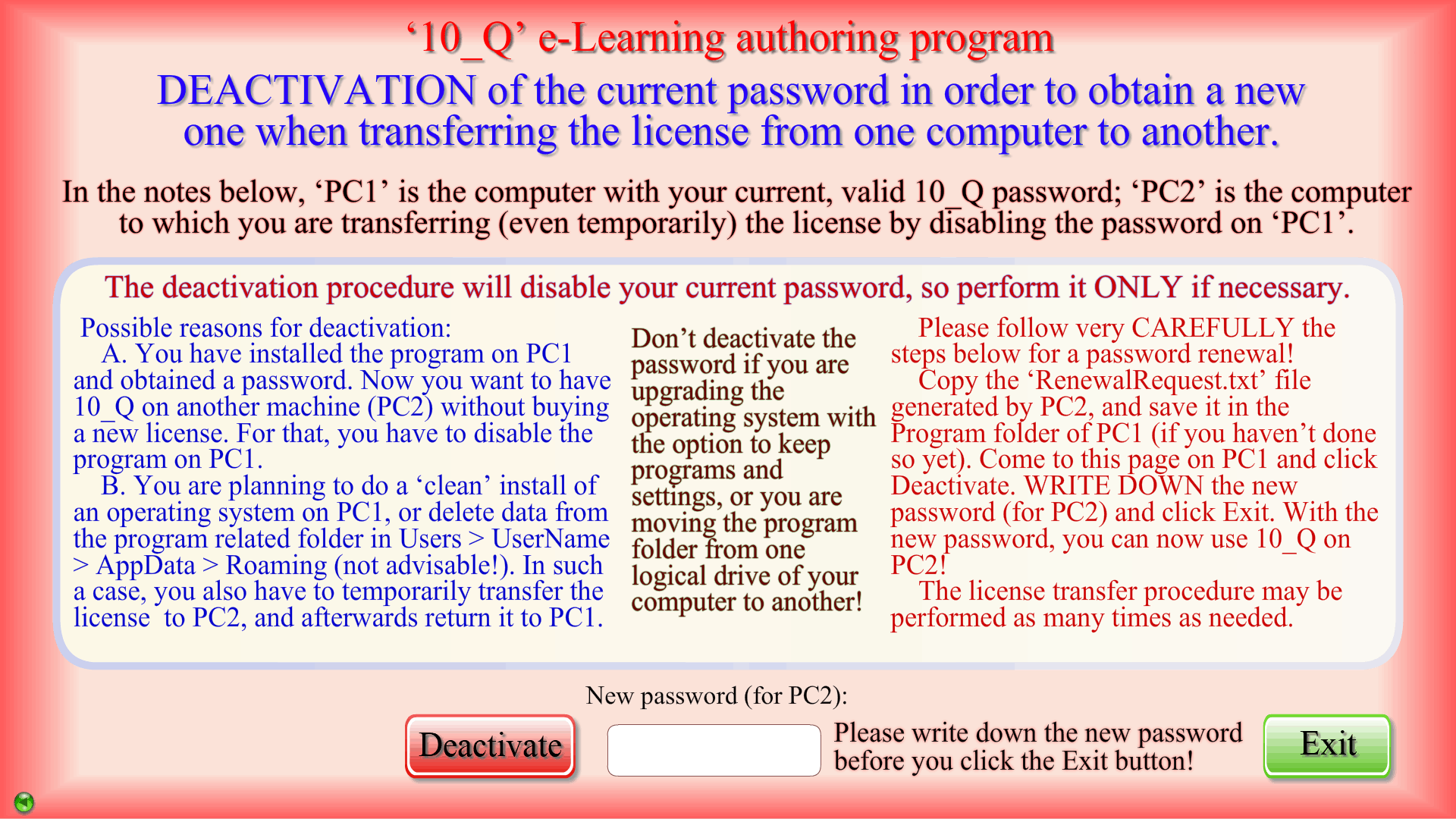
There are, however, situations which require transferring the license, even temporarily, from one computer (PC1) to another (PC2), and you will need a new password whenever such an event is about to take place. For example, if you wish to use the program on another computer without buying a new license, you should employ a built-in function to obtain a new ‘10_Q’ password by deactivating the current one. A license transfer and password renewal procedure must also be started before a ‘clean’ install of an operating system, or deleting data related to the program in the Users > UserName > AppData > Roaming folder (an operation that is highly inadvisable!). In the last two cases, YOU WILL HAVE TO USE A SECOND COMPUTER for a short time and go through the process twice: move your license to PC2 first, and then return it to PC1 after the upgrade or ‘clean-up’. Password renewal is a relatively simple process explained in details in the program, and you can perform it as many times as necessary FOR FREE.
Don’t deactivate the ‘10_Q’ password if you are installing an operating system with the option to keep programs and settings, or you are moving the program folder from one logical partition of your hard drive to another!