Are you ‘too much into symbols’?
The program will hopefully serve as an efficient teaching and testing tool in many subject areas, especially languages and humanities.
However, it might not be ideally suited to everyone. Please have in mind that complex mathematical expressions and formulas would be difficult or impossible to insert in presentation text fields. To maximize your chances in this respect, employ the ‘Lucida Sans Unicode’ font (if present in the computer’s Fonts folder). However, mathematical equations, etc., can be placed on the slides as images, or shown through ‘content files’ assigned to a ‘related’ test (if one exists).
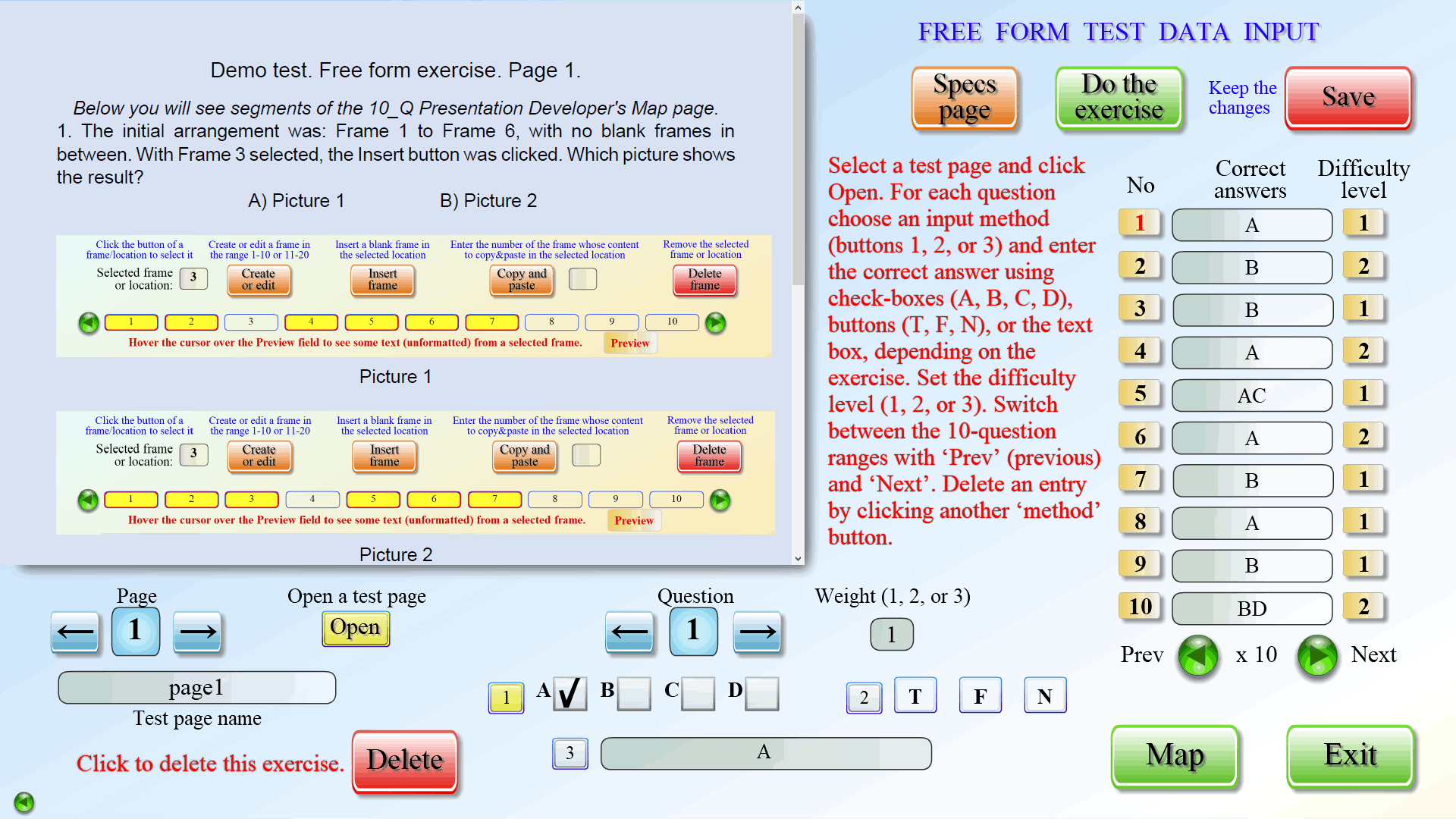
For tests, ‘additional content’ is also one of the options to display complex calculations. These could be ‘.doc’ or ‘.pdf’ files, images, etc., which open in separate windows. Two other methods – ‘Illustrated exercise view’ and the Free form test, offer graphics in a more convenient way: the former shows pictures or videos side by side with exercises, and the latter displays ‘pdf’ documents and images on the test page itself.
Learners’ responses are limited to mouse clicks and the standard symbols that a keyboard can generate. To use some common math signs and symbols, such as ‰ ± ≥ ≤ ≈ ≠ ¼ ⅓ ½ ⅔ ¾ √ π ° ∟ ∡ ∞ µ Σ ∫ A₁ A₂ A₃ B¹ B² B³ Bⁿ, etc., in the tasks, items and options of any exercise, you could apply the ‘copy and paste’ method. Students may use this technique, for example in the writing assignment, if the symbols they need are present in the task or question.
Apart from the ‘copy and paste’ option, developers may enter special symbols in most text fields using HTML decimal and hexadecimal code, in ‘& # 1 7 7 ;’ and ‘& # x b 1 ;’ format, respectively, without spaces. (Both of the above codes will come out as the plus-minus sign.) Learners can employ this method while working on the Writing task of the Extended test. Dozens of special characters could be inserted in this way. UNFORTUNATELY, NOT ALL SYMBOLS APPEAR PROPERLY IN THE TEXT FIELDS OF THE PROGRAM, and you will see them as small squares (or rectangles). You could replace such symbols with words but that would hardly be very practical.
The program has NOT been tested with alphabets other than Latin and Cyrillic for entering content in text fields at design stage or for providing answers at test time!