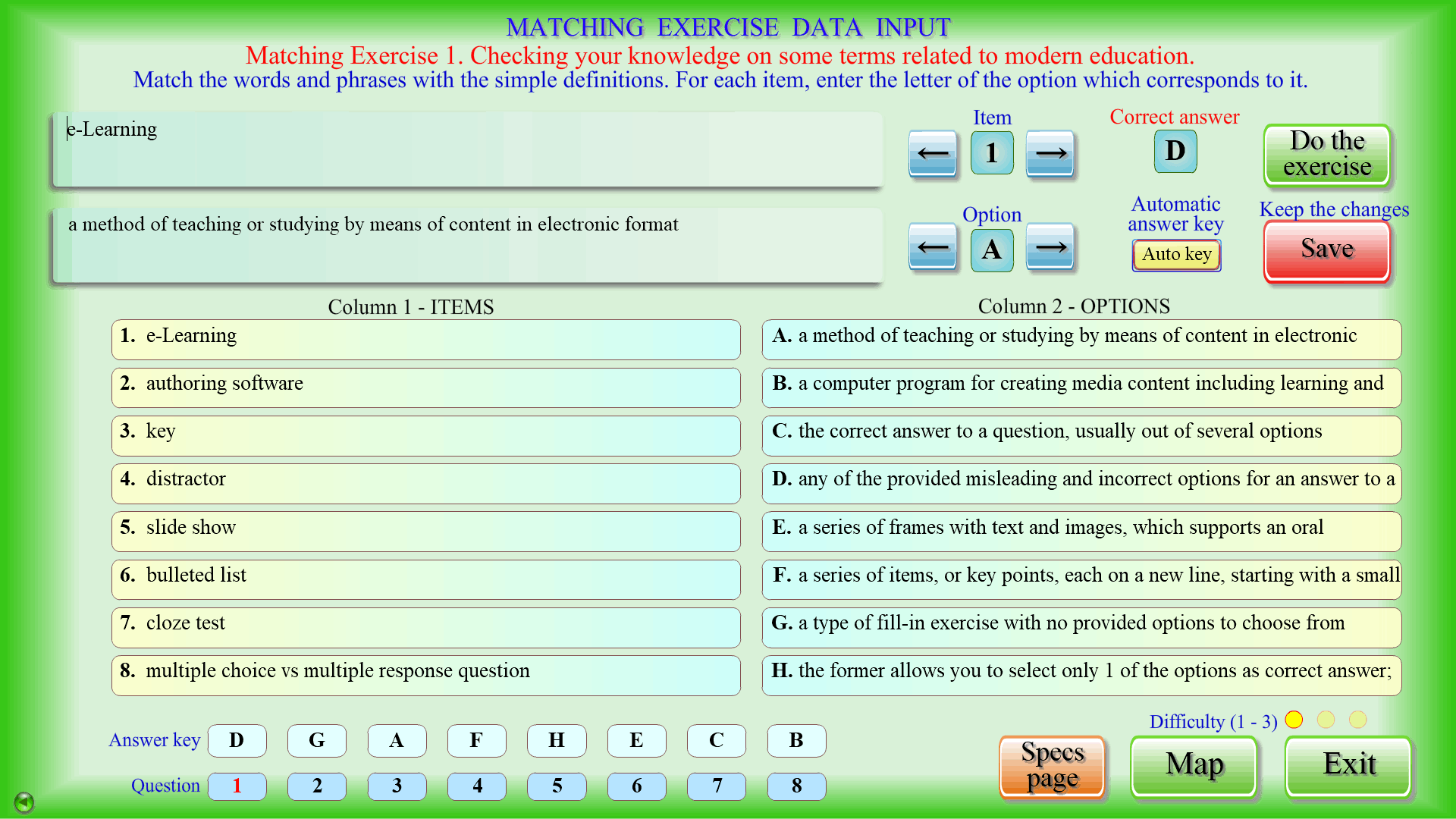
A versatile test tool with high potential
Some features of the test section are outlined below.
The program generates the traditional Matching, Multiple choice and Multiple response, True/False/Not Given, Fill-in, and Open-ended questions exercises. 3 of each of the above can be included in a test. Other popular test activities, such as Put in the right order, Odd one out, Divide in categories, Cloze test, Listening comprehension, etc., can be easily produced by altering the task or parameters of the 5 available exercise types.
An innovative ‘Free form’ exercise offers an even greater flexibility for formulating tasks and showing graphics. Since it integrates ‘.pdf’ documents, as well as ‘.png’ and ‘.jpg’ images, it can display special symbols and pictures on the test page itself. The answers to all of the above types of exercises are checked by the computer and scores are automatically calculated and saved. Over 200 questions can be included in a single test if all 16 exercises are fully utilized.
A test may additionally contain writing and speaking tasks. The compositions/essays and oral answers are saved on the hard disk for the examiner to evaluate later. Students will need headphones with a microphone connected to the computer to record and check their responses.
Please see the Tutorials for more information on data input methods, creating exercise subtypes, changing the interface language of the exam section, accessing additional content, using the concordancer tool, and features like ‘generating the answer key automatically’, ‘illustrated exercise view’, saving test results, test-takers’ ranking, etc.