Addressing today’s realities
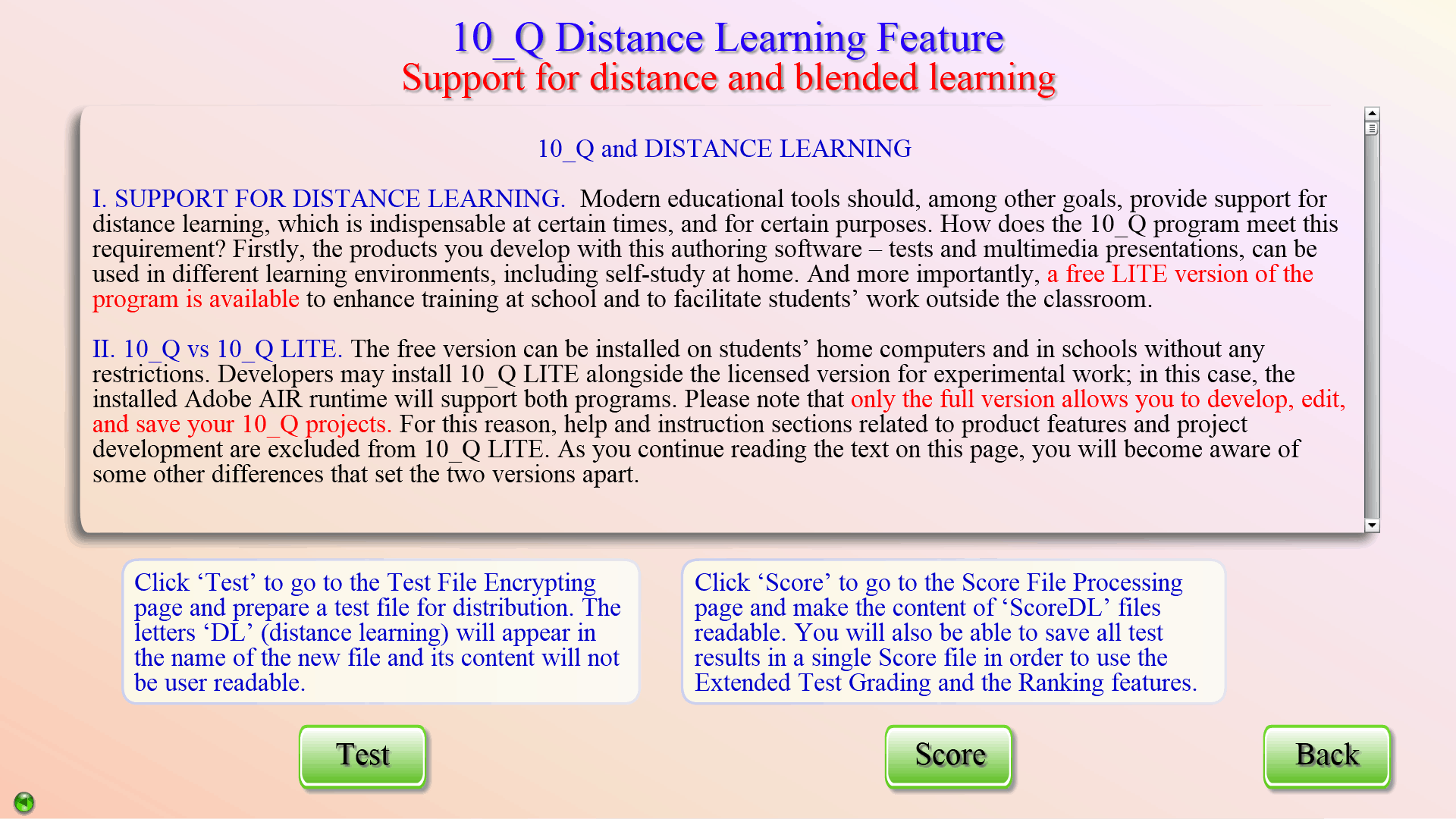
When comparing traditional methods and those involving modern educational tools, the latter are expected to produce positive results faster and easier, and also to work efficiently in situations where in-person training is not accessible or available. The support of 10_Q for distance and blended learning is twofold. Firstly, the products you develop with this authoring software can be used in different learning environments. And more importantly, a free version of the program (10_Q LITE) is available to meet the needs of computerized training at school and facilitate students’ work outside the classroom.
You can’t develop or edit 10_Q projects with the LITE version. However, it will enable students to take 10_Q tests containing all types of exercises, and run multimedia presentations on their home or classroom computers. There are, of course, a few other differences between the free and the paid versions of the program, and developers should be aware of these so as to provide help when necessary.
Learners using 10_Q LITE at home should have some IT skills that would enable them, if asked, to rename files, download and unzip email attachments, etc. Younger or less experienced users would certainly feel more comfortable with the program at a school computer lab where they could be assisted by a teacher or a systems administrator in performing such tasks, or might not need to do any of the above.
To conduct a remote test with 10_Q LITE users and obtain the results, teachers encrypt the test file and decrypt the students’ score files, respectively. Both operations are easily performed with the 10_Q program. The help pages in the Distance Learning section of the program provide sufficient information about these, and describe a built-in function monitoring the test-taking process.
Please find more details about organizing and administering remote tests in the Tutorials.