Compatibility, rights, and permissions
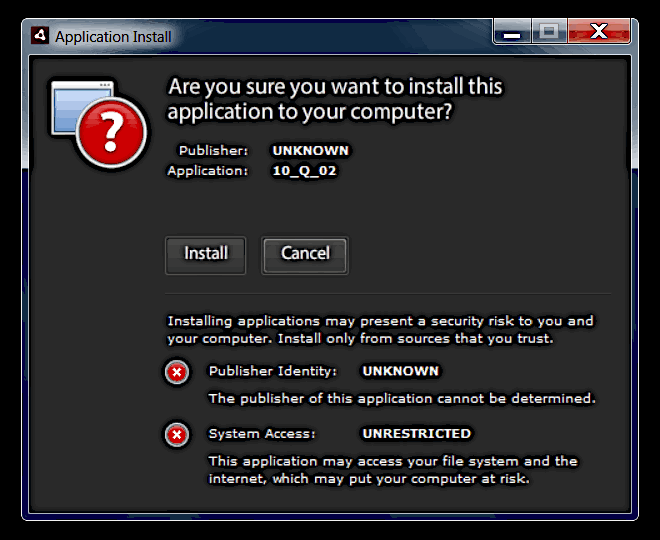
‘10_Q’ has been successfully tested on Microsoft Windows versions 7 to 11. The program is installed from an ‘.air’ file (for Desktops) and, in theory, should work on most laptop and desktop computers. If you aren’t sure whether ‘10_Q’ will run on your machine, you can simply download the program and try to install it. Please, consider buying a license only after your computer has successfully passed the built-in Compatibility Check procedure.
The program creates files and folders in the program directory, and also reads from and writes data to files in that location and in the Users > UserName > AppData > Roaming folder. Therefore, 10_Q won’t work properly or pass the compatibility test unless you have ‘permissions’ regarding access to the respective folders and subfolders. In other words, at home you may need to run the program ‘as administrator’, and at your institution you will probably have to ask your systems administrator to change the respective folder permission settings for you.
In case the Compatibility test fails, a message will appear to refer you to the probable cause.